


EDITABLE DESIGN TEMPLATES
New Year's Eve templates
Set the scene for 31 December with editable New Year's Eve invitations, countdown posters, tickets, menus and social posts. Plan a house party, a formal dinner or a live music night, then customise the date, venue and welcome to the new year.
Give your countdown its own character
Start with a house party invitation, a black tie celebration or a rooftop jazz poster.
1,294 templates
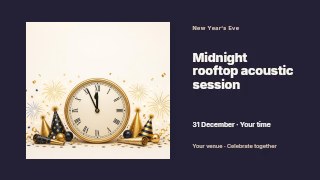


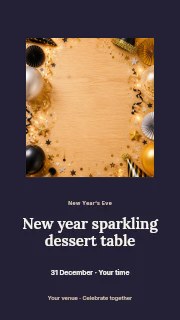

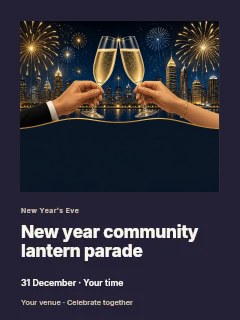
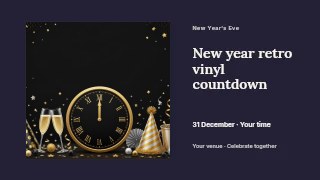

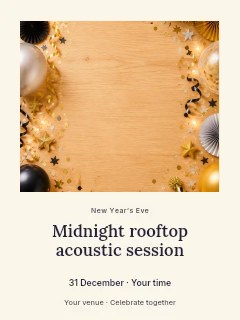
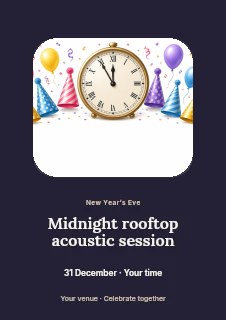


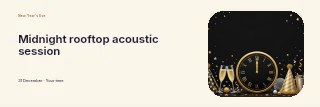


No matching templates.
Try a shorter search, another style or a different format.
Browse all templatesMAKE IT YOURS
Build a clear New Year's Eve event design
- Choose the format for the audience: an invitation for guests, a poster for an event or a social post for reminders.
- Write 31 December and the correct year, then add the start time, venue and the most important event details.
- Personalise the typography, colours and artwork. Check the exported image, and keep the editable project for updates.
Keep the two years straight
A celebration welcoming 2027 usually begins on 31 December 2026. Make the event date and the year being welcomed easy to distinguish. If the finish time is after midnight, say so clearly rather than relying on a short date alone. Check any year already included in the template.
Invitations for house parties and formal dinners
A house party invitation needs an address, arrival time and RSVP contact. A formal event may also need a dress code, seating time and booking instructions. Put secondary information below the main date and location so the essentials are still readable on a phone.
Posters, tickets and social reminders
Use the same event name, date and venue across every format. A poster should explain the event quickly; a ticket can carry entry details; a social reminder can highlight the time and how to book. Pixplet makes the graphics — ticket sales, reservations and entry checks must be handled through your chosen service.
Match the style to the night
Choose a restrained layout for a dinner, a playful design for a family countdown or a bold headline for live music. A small set of colours helps different formats feel connected. Keep decoration clear of the date, prices and RSVP information, especially in smaller exports.
Before the countdown begins
Review the address, start time, booking contact and any accessibility or arrival instructions you provide. Export an image at a suitable size for its destination. If printing, check resolution, trim and bleed requirements with the printer; image export does not automatically prepare a print PDF.
Questions, answered
Can I edit the New Year's Eve date and year?
Yes. Text is editable in Pixplet. Update both the 31 December event date and the year you are welcoming, and check the weekday if one is shown.
Can I make matching party designs?
Use the same headline, colours and type choices on an invitation, poster, menu or social post. Open each format separately and check how the details fit its layout.
Where can I find New Year's Day designs?
The New Year collection includes brunch invitations, greetings and January planners. Use it when the event or message is about the first day of the year or a fresh start.