


EDITABLE DESIGN TEMPLATES
Christmas templates
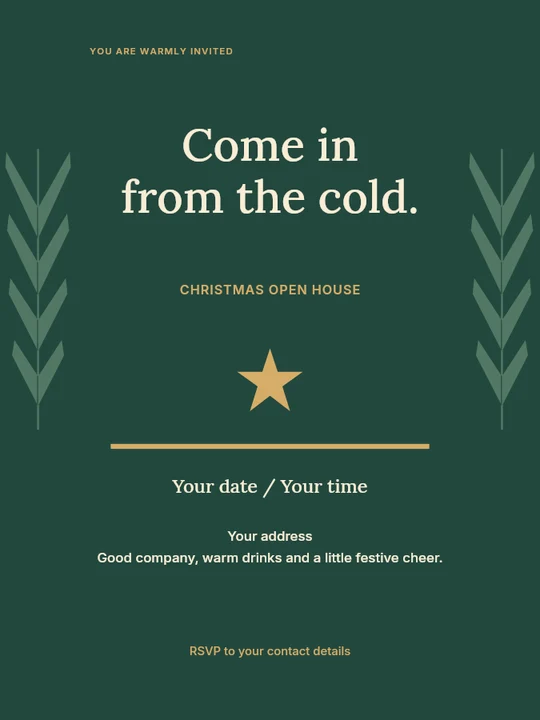
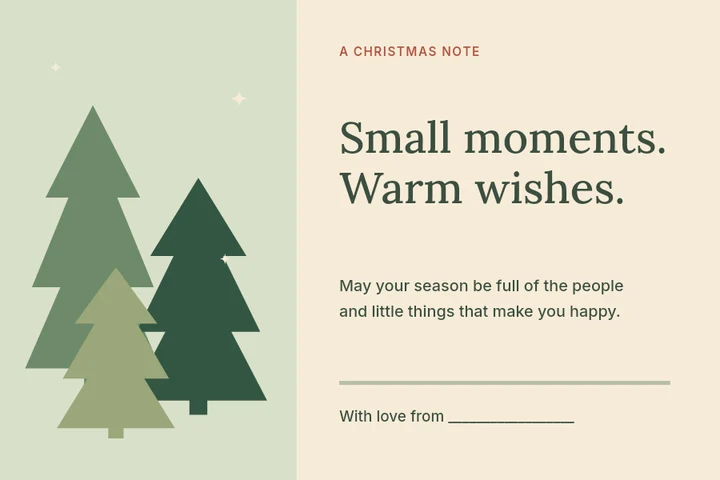
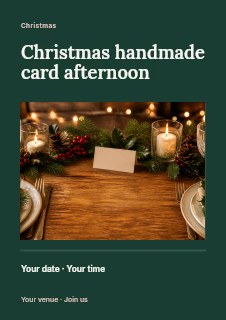
Bring your festive plans together with editable Christmas invitations, greeting cards, posters, gift labels and menus. Choose a design for a family celebration, office party or local Christmas market, then make the words and colours your own.
A few festive starting points
A dinner with family, a celebration across time zones or a neighbourhood cookie exchange — start with a design that fits the occasion.
2,133 templates





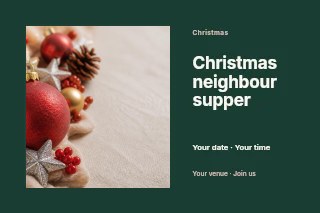

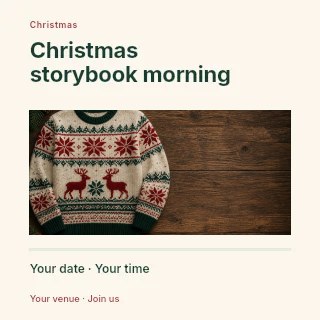
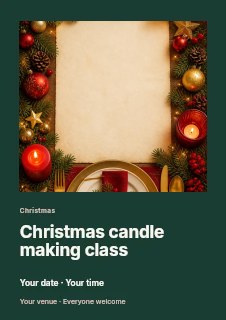

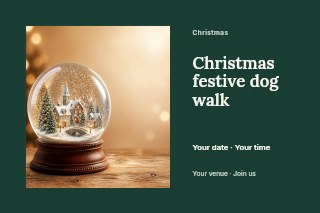

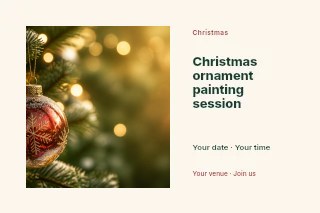


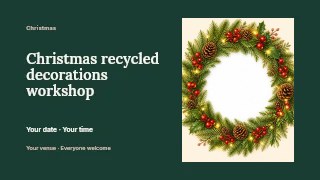

No matching templates.
Try a shorter search, another style or a different format.
Browse all templatesMAKE IT YOURS
Plan a Christmas design that people can use
- Choose the format for the job: an invitation for guests, a greeting card for wishes, or a poster for a public event.
- Replace every placeholder. Check names, dates, opening hours, addresses and any RSVP contact before sharing.
- Adjust the colours and artwork in Pixplet. Download PNG, JPG or WebP, and save an editable project if you will need to make changes later.
Invitations for a Christmas party or dinner
Give the celebration a clear name and put the date, start time and location close together. For a dinner, add the meal time and ask guests to share dietary needs. For an office party, include who is invited and how to RSVP. The invitation collection has a focused guide with wording you can adapt.
Greeting cards and customer messages
A personal Christmas card needs only a warm message and the sender's name. A business greeting can thank customers or colleagues without turning the card into a sales flyer. Leave space around the message, and keep any logo smaller than the greeting.
Posters, menus and gift labels
A Christmas market poster should make the venue, opening times and dates readable at a glance. Put prices and dietary information on a separate menu where needed. On a small gift label, a short name or message is easier to read than a paragraph. Reuse a few colours across the designs to connect the event.
A quick check before sharing or printing
Open the exported file at the size people will see it. Check small text, contrast and spelling. For print, confirm the required dimensions and resolution with your printer; these templates export images, not a print PDF with automatic bleed. For a digital invitation, send one test to yourself and make sure the event details remain legible on a phone.
Questions, answered
Can I edit a Christmas template online?
Yes. Open a template in the Pixplet editor to change its text, colours and layout. You can add library artwork or your own images, then export PNG, JPG or WebP.
Which Christmas template should I choose?
Start with the message and audience. Use an invitation for a private guest list, a poster for a public event, a greeting card for wishes, and a label for a gift. A focused design is easier to use than fitting every detail onto one small card.
Can I use the same design next Christmas?
The text and dates are editable. Save an editable project, then update the year, weekday, venue and event details when you use it again.