


EDITABLE DESIGN TEMPLATES
New Year invitation templates
Invite people to start the year together. Choose an editable New Year invitation for a relaxed brunch, a celebration or a January gathering. Set the date and year clearly, add your venue and RSVP details, then make the design yours.
Start with the kind of gathering you have in mind
An easy morning, an evening with friends or a dressed-up celebration. All the text can be edited.
101 templates



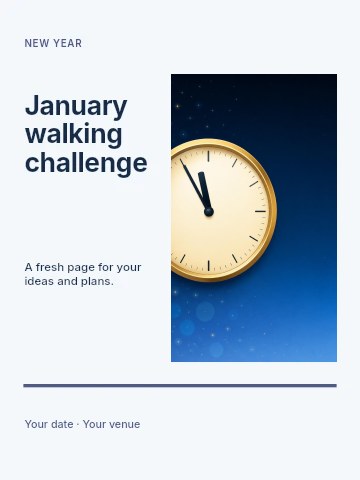
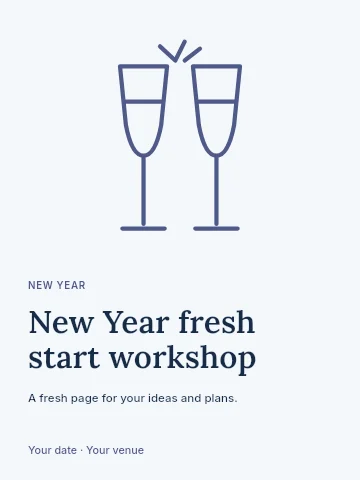
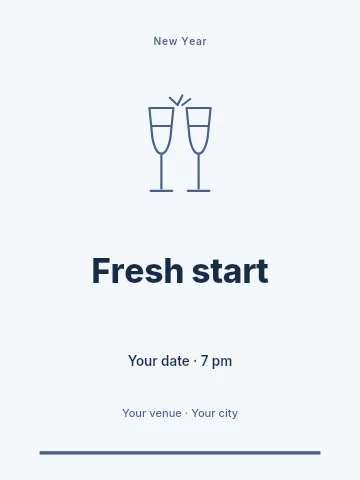

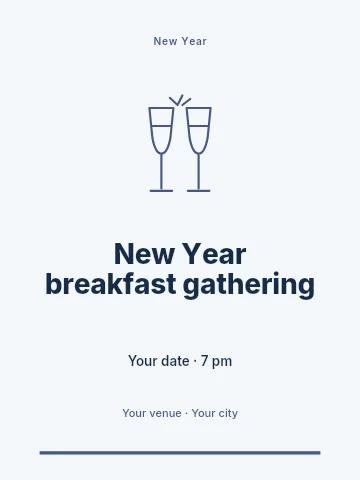
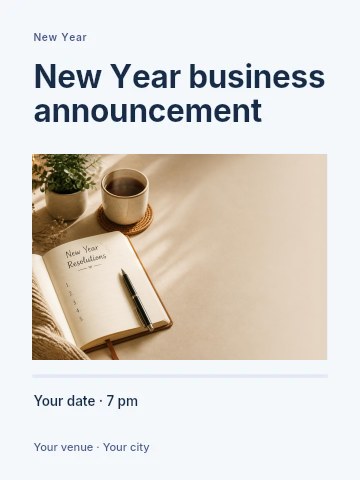

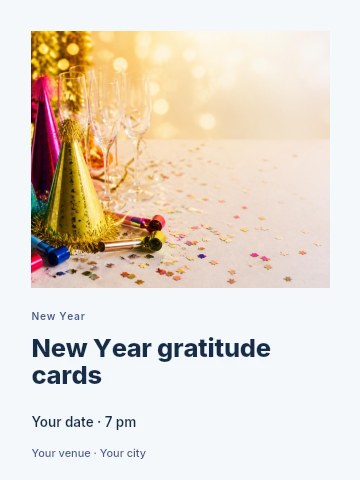
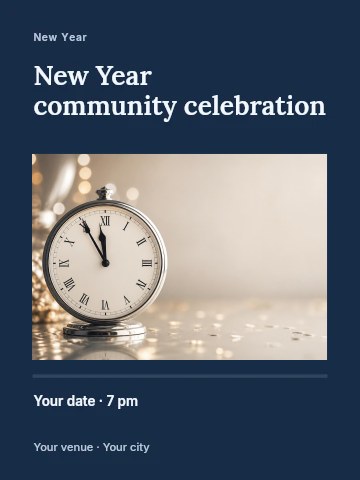

No matching templates.
Try a shorter search, another style or a different format.
Browse all templatesMAKE IT YOURS
How to create a New Year invitation
- Pick a template with space for your event details and open it in Pixplet.
- Change the headline, date, year, time and venue. Add the host, RSVP contact and any practical details guests need.
- Check whether the invitation means 31 December or 1 January. Export an image, send a test copy and save the editable project.
New Year's Day brunch invitation wording
A slow start to a lovely year. Join us for New Year's Day brunch on 1 January [year] at [time], [place]. Please RSVP to [contact] by [date] and let us know about any dietary needs. We would love to begin the year with you.
A simple New Year gathering message
Let's welcome the year together. You're invited to [event] on [day, date] at [time], [address]. Bring [optional item], and let [host/contact] know by [RSVP date] if you can come. Keep the message short enough to read without zooming.
Make the date unambiguous
Write the month in words and include the year. A countdown beginning on 31 December belongs to the previous calendar year, even when it welcomes the next one. For an online event, include a time zone. If your event is specifically a midnight party, the New Year's Eve invitation guide has a more detailed checklist.
Send an invitation people can act on
Attach the downloaded invitation to an email or message, then repeat the address and RSVP contact in plain text. An exported image cannot collect replies or turn a printed web address into a clickable link. Check the guest count and send updated details if plans change.
Questions, answered
What do I write on a New Year invitation?
Include the event, host, exact date and year, start time, location and RSVP details. Add a dress code or what to bring only when it is useful for your gathering.
Can I make a New Year brunch invitation?
Yes. Open a template, change the headline to your brunch invitation and use a clear 1 January date. Add the meal time, address and any dietary reply instructions.
Can I change a 2027 invitation to another year?
Yes. The year is editable text. Check every date, weekday and year shown in the design before exporting.
How do I share my finished invitation?
Download PNG, JPG or WebP from the editor. PNG and JPG are useful for email and messaging. Save an editable project separately if you need to update the invitation later.