
EDITABLE DESIGN TEMPLATES
Poster templates
Make an event, message or offer easy to notice. Explore editable poster templates for business, music, community events and celebrations. Open a design in Pixplet, personalise the text and artwork, then download an image for sharing or print preparation.
4,062 templates


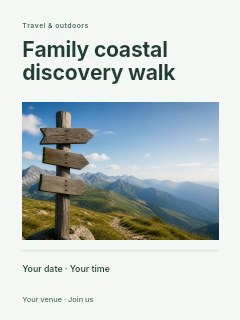

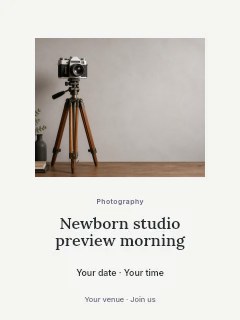



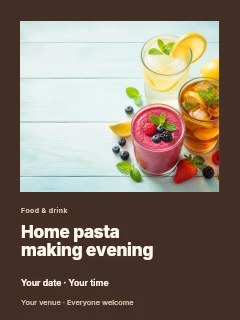

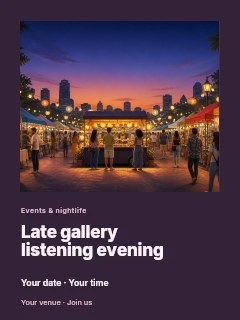

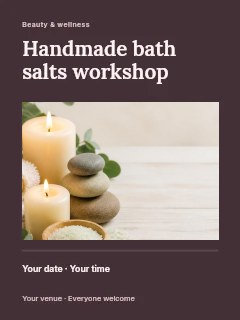
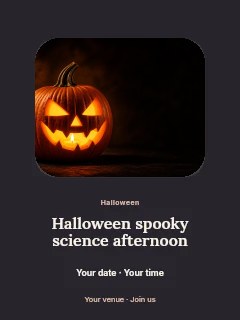
No matching templates.
Try a shorter search, another style or a different format.
Browse all templatesMAKE IT YOURS
How to make a poster people can read
- Choose a layout that gives the main message enough space. Start with the event, announcement or offer.
- Replace the sample details, then adjust colours, type and artwork. Keep the date, location and next step easy to find.
- Check the exported image at its intended size. Save an editable project and confirm print requirements before ordering copies.
Give the headline one clear job
A viewer should understand the poster's purpose before reading small details. Lead with the event name or message, then use a second level for the date, venue or offer. Leave secondary information lower in the layout. If everything is large and bold, the important detail becomes harder to find.
Choose the poster for the audience
A concert poster may lead with the artist, a business poster with a service or offer, and a community poster with the activity and location. Change the sample text to fit the actual occasion. Use a relevant image or illustration and keep it away from small essential lettering.
Poster size and image resolution
Digital dimensions are measured in pixels; print size is measured in inches or millimetres. At 300 pixels per inch, an 8 × 10 inch image area needs 2400 × 3000 pixels, before any printer-required bleed. Check the template's dimensions and your downloaded file rather than assuming every design suits every paper size.
Make the next step obvious
Tell viewers what to do: visit an address, contact a host or book through your chosen service. If you add a QR code in the editor, test it from the exported image at the intended viewing size. Keep a short readable URL or contact alongside it when helpful.
Prepare for sharing or printing
PNG is useful for crisp lettering; JPG may make a smaller photo-heavy image. For print, confirm trim size, resolution, bleed and accepted file format with your printer. Pixplet image exports do not automatically add bleed or produce a press-ready PDF. Keep text away from the trim edge and inspect a proof.
Questions, answered
Can I edit poster templates online?
Yes. Open a design in Pixplet to change its text, colours and layout. Add your own images or library artwork, then export PNG, JPG or WebP.
Can I make a business or event poster?
Choose a suitable layout, replace the sample headline and add the details for your business or event. Use the topic links below for more focused collections.
Can I download a poster as a PDF?
The editor exports image files. An image-to-PDF tool can package an exported JPG or PNG into a document, but it does not add printer bleed or restore vector text.
Will every template work for a large printed poster?
No single image size suits every print size and viewing distance. Check pixel dimensions and your printer's required resolution before enlarging or ordering copies.
Can I update the poster later?
Save an editable project as well as the exported image. You can then change a date, price or venue without rebuilding the layout.